
QR Code Digital Menus for Restaurants, Cafés & Food Businesses Worldwide
Digital Menus Made Simple: Scan. Browse. Order. Share.
Saigon resturrant
Location: Cape Town
Title or Question 1
Menu
Cuisine
Vietnamese cuisine is renowned for its balance of fresh herbs, aromatic spices, crisp vegetables, quality proteins and delicate broths. Rather than relying on intense heat, traditional Vietnamese cooking focuses on harmony between sweet, sour, salty, savoury and umami flavours. Every dish is designed to offer contrasting textures and fresh ingredients that work together to create a memorable dining experience.
At Saigon, this philosophy is reflected throughout the menu. Authentic Vietnamese recipes are prepared using premium locally sourced ingredients where possible, while respecting the traditional techniques and flavours that have made Vietnamese cuisine one of the world's most celebrated culinary traditions.
Guests can enjoy everything from fragrant pho and fresh rice paper rolls to perfectly grilled meats, seafood, sushi and contemporary Asian-inspired creations.
Recommended Image
Image Subject:
Selection of authentic Vietnamese dishes.
Recommended Placement:
Immediately below the Cuisine section.
Image URL:
Use an official menu or food photography image from the Saigon website or official social media.
Alt Text:
Authentic Vietnamese cuisine served at Saigon Cape Town.
Menu Highlights
Saigon offers an extensive menu designed to suit a wide range of tastes while remaining true to its Vietnamese heritage.
Popular menu categories include:
• Starters
• Fresh Spring Rolls
• Vietnamese Dumplings
• Soups
• Traditional Pho
• Seafood
• Beef
• Chicken
• Duck
• Pork
• Vegetarian Dishes
• Sushi Selection
• Signature Chef Specials
• Desserts
Among the restaurant's most recognised dishes are Beef Short Rib Pho, Crispy Ginger Fish, Slow Roasted Ribs, Roast Duck and Nikkei Lamb Chops. These dishes showcase the restaurant's commitment to combining authentic recipes with refined presentation and carefully balanced flavours.
As menus may change seasonally, guests are encouraged to consult the latest official menu before visiting.
Dining Experience
The atmosphere at Saigon combines contemporary elegance with warm Vietnamese hospitality.
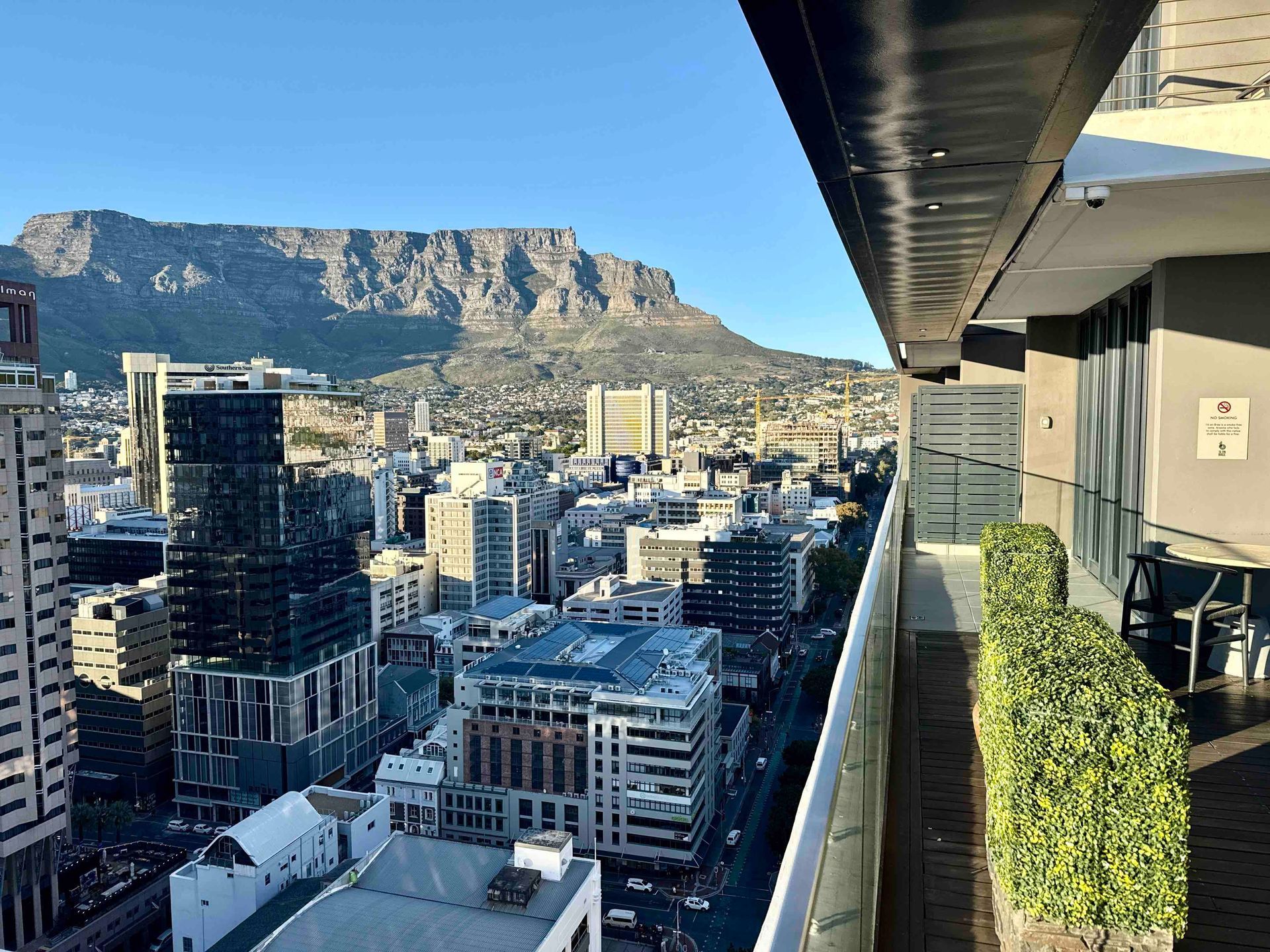
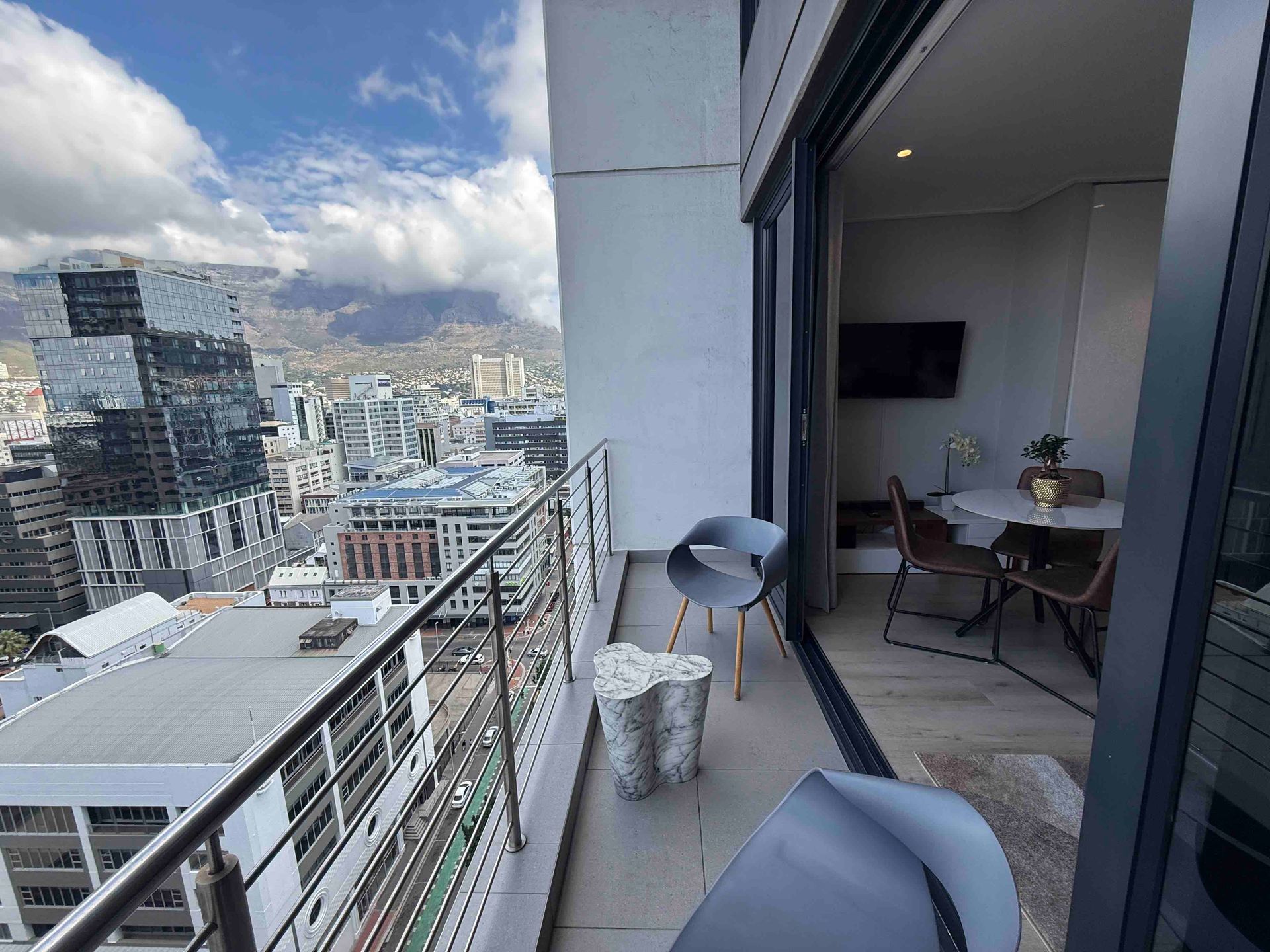
The restaurant features stylish interior décor, comfortable seating and views towards Table Mountain, creating a relaxed yet sophisticated environment suitable for a variety of occasions.
Whether visiting for a business lunch, family gathering, romantic dinner or celebration, guests can expect attentive service and a carefully curated dining experience.
The combination of authentic cuisine, knowledgeable staff and elegant surroundings has helped establish Saigon as one of Cape Town's most respected Asian dining destinations.
Recommended Image
Image Subject:
Interior dining area.
Recommended Placement:
Below the Dining Experience section.
Image URL:
Use an official interior photograph from Saigon.
Alt Text:
Elegant dining room inside Saigon Vietnamese Restaurant.
Drinks and Wine
Saigon complements its food menu with an extensive drinks selection.
Guests can typically enjoy:
• South African wines
• International wines
• Champagne
• Cocktails
• Premium spirits
• Imported beers
• Local beers
• Soft drinks
• Fresh juices
• Tea
• Coffee
The wine list has been selected to pair well with Vietnamese cuisine, seafood, grilled meats and sushi, allowing diners to enhance their overall dining experience.
Vegetarian and Dietary Options
Vietnamese cuisine naturally lends itself to vegetarian dining through the generous use of fresh vegetables, herbs, tofu, mushrooms and rice-based dishes.
Saigon offers several vegetarian options alongside seafood and meat dishes.
Guests with allergies or specific dietary requirements should inform the restaurant before ordering so that staff can recommend suitable menu items where possible.
Private Dining and Special Occasions
Saigon is a popular venue for:
• Birthday celebrations
• Anniversary dinners
• Corporate functions
• Business meetings
• Family gatherings
• Romantic evenings
• Small private events
Its central location, elegant setting and experienced team make it well suited for memorable occasions throughout the year.
Recommended Image
Image Subject:
Guests enjoying dinner at Saigon.
Recommended Placement:
Within the Private Dining section.
Image URL:
Use an official lifestyle or dining photograph from the restaurant.
Alt Text:
Guests enjoying dinner at Saigon Cape Town.
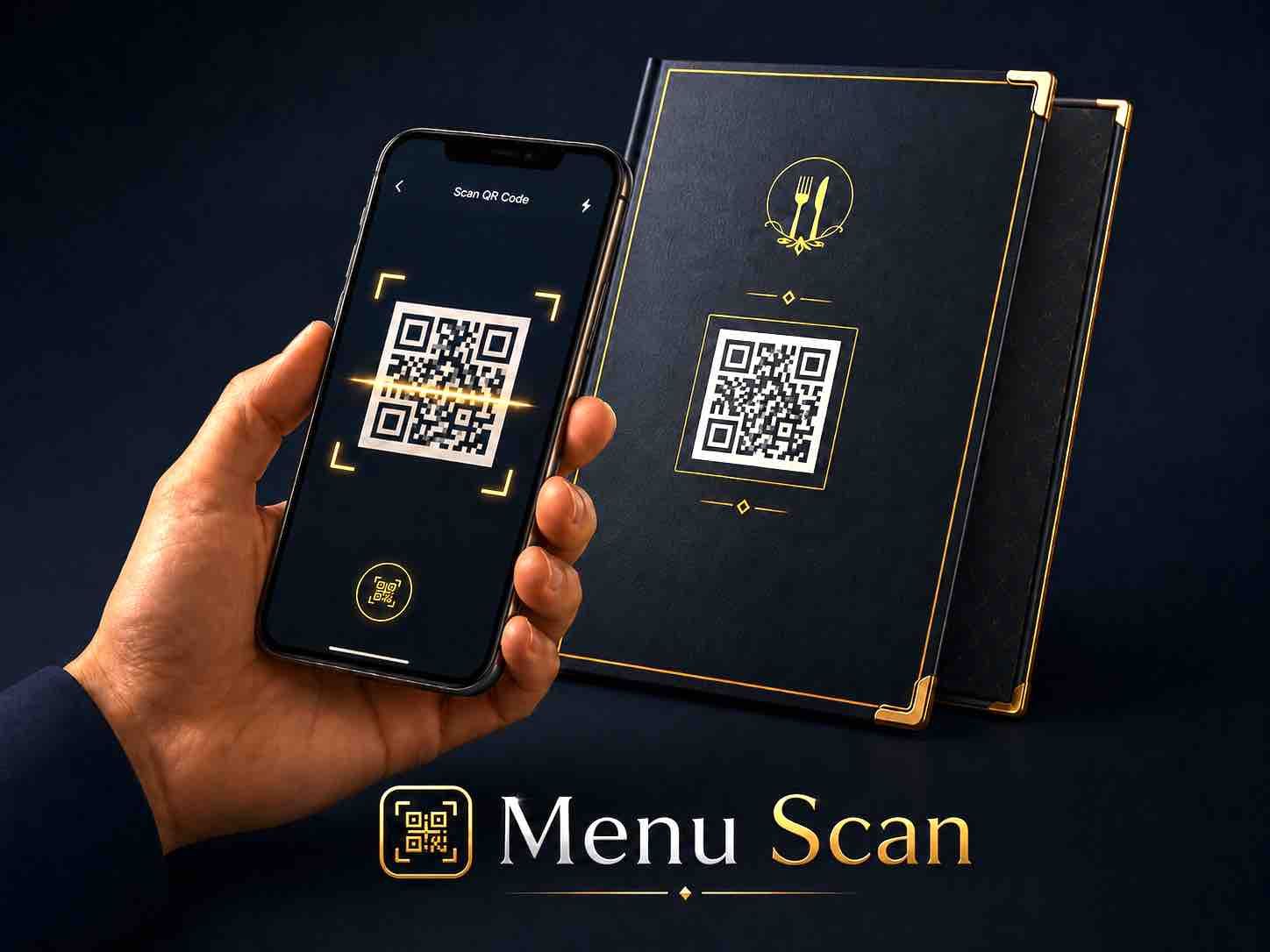
How IT WORK
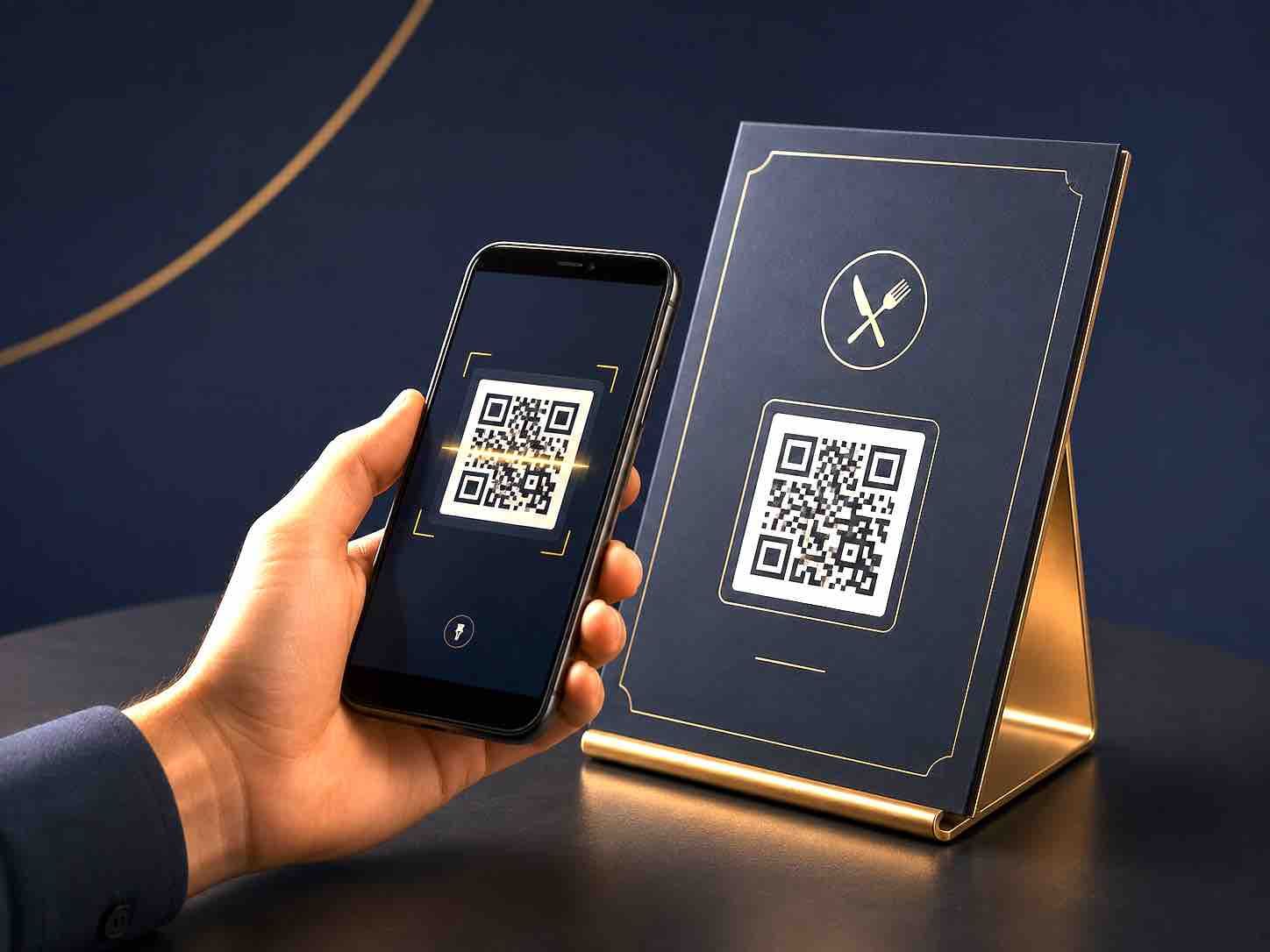
When customers visit your restaurant, café, guesthouse or catering business, they simply scan your QR code to open your digital menu instantly on their phone.
No app. No printing. No waiting..
Everything your customer needs — in one scan.
Your digital menu includes:
1.Mobile-friendly menu layout
2.Branded QR code
3.Shareable menu link
4.Direct contact options (WhatsApp / phone / email)
5.Location link (Google Maps or equivalent)
Review link
6.Social media links
7.SEO-friendly online menu page
8.Easy menu updates without reprinting
✔ WHY IT MATTERS
Why businesses use Menu Scan
A digital menu improves the customer experience by making it faster, cleaner, and easier to order or browse.
It also increases engagement by allowing customers to share your menu, leave reviews, and reconnect with your business anytime.
Because your menu is online, it also helps your business appear more clearly in search results and improves your overall online presence.
One QR code. One digital menu. Everything your customer needs.
SCAN
When customers visit your restaurant, café, guesthouse or catering business, they simply scan your QR code to open your digital menu on their phone.
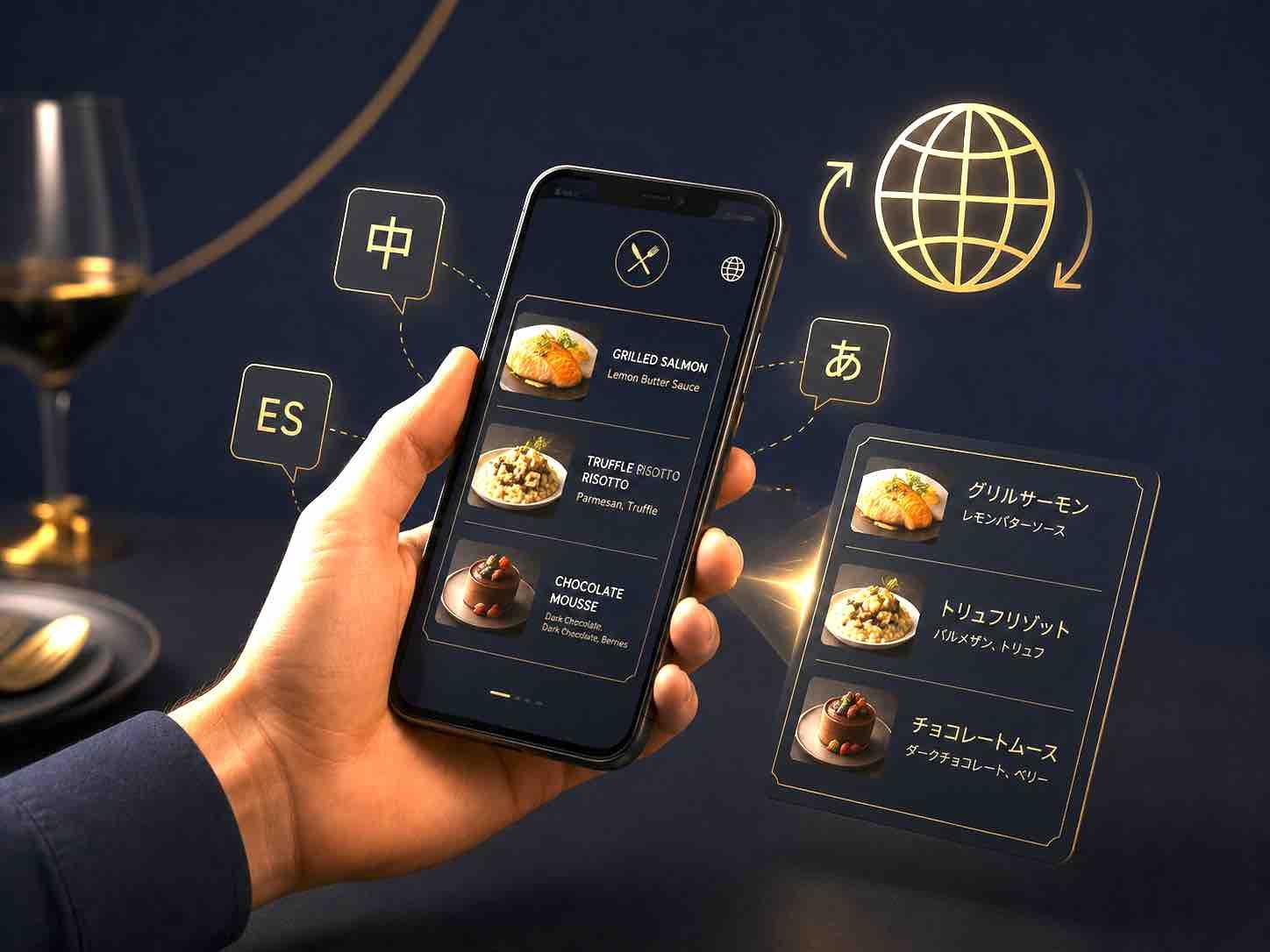
TRANSLATE
The menu can also be automatically translated into the customer’s own language, making it easier for local and international customers to understand your food, drinks, prices and services.
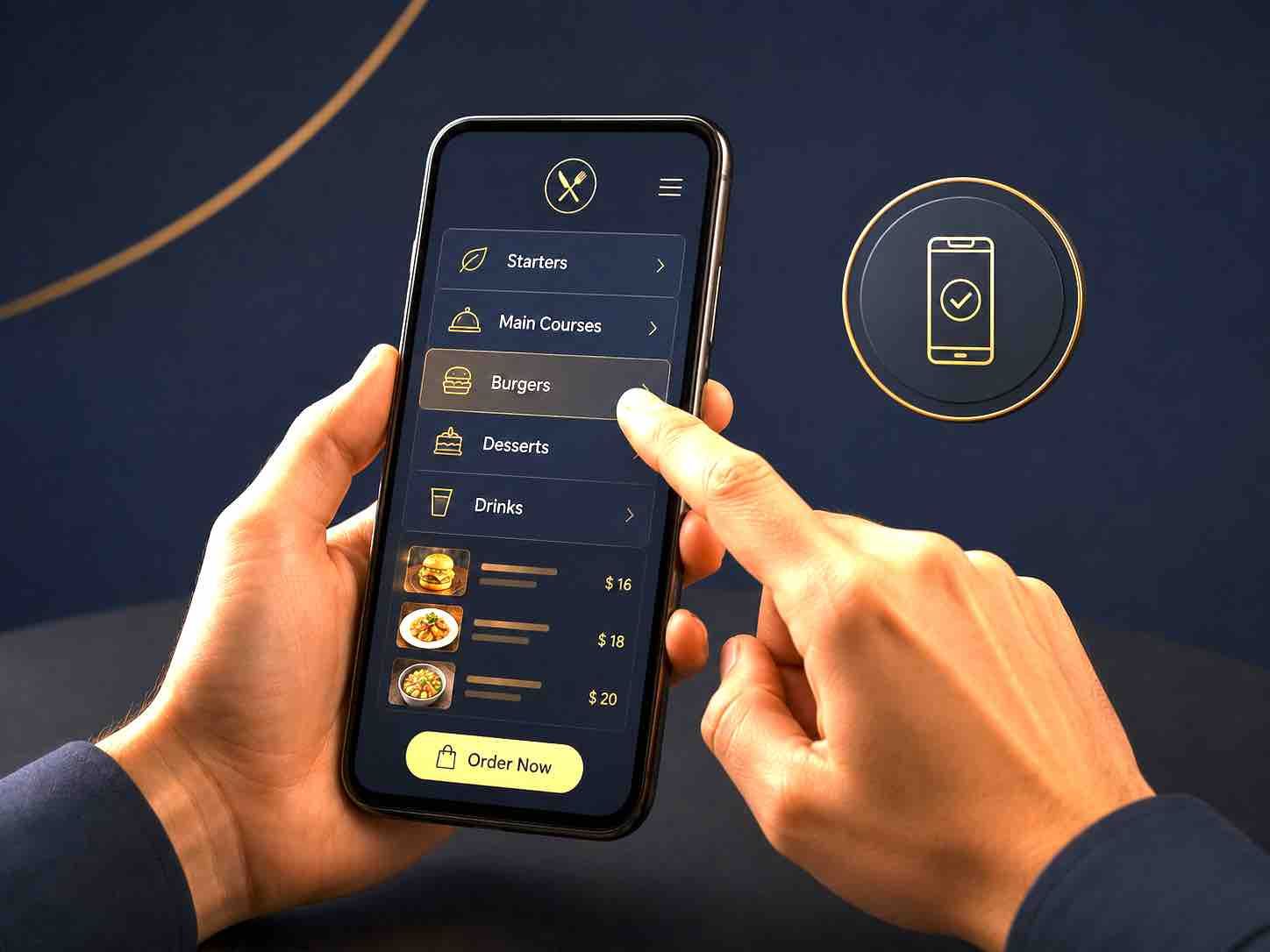
MOBILE FRIENDLY
The mobile-friendly layout makes it easy and comfortable for customers to read your menu, browse your items, and place an order or contact you directly.
SHARE
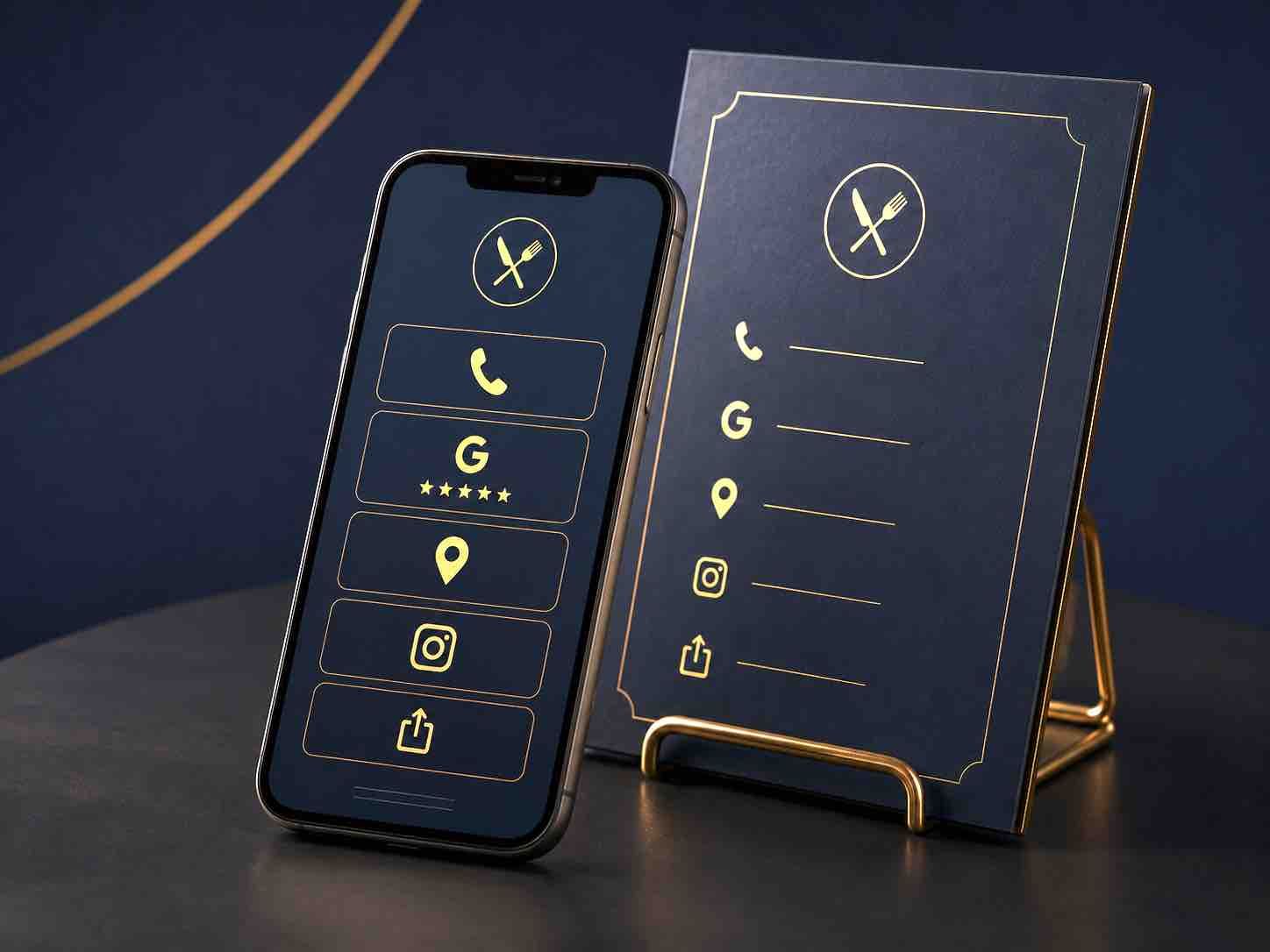
Your digital menu can include useful links such as contact details, location, social media pages, review link, and a shareable menu link.
This means customers can find your business details, share your menu, leave a review, or return to your menu later.
SEO
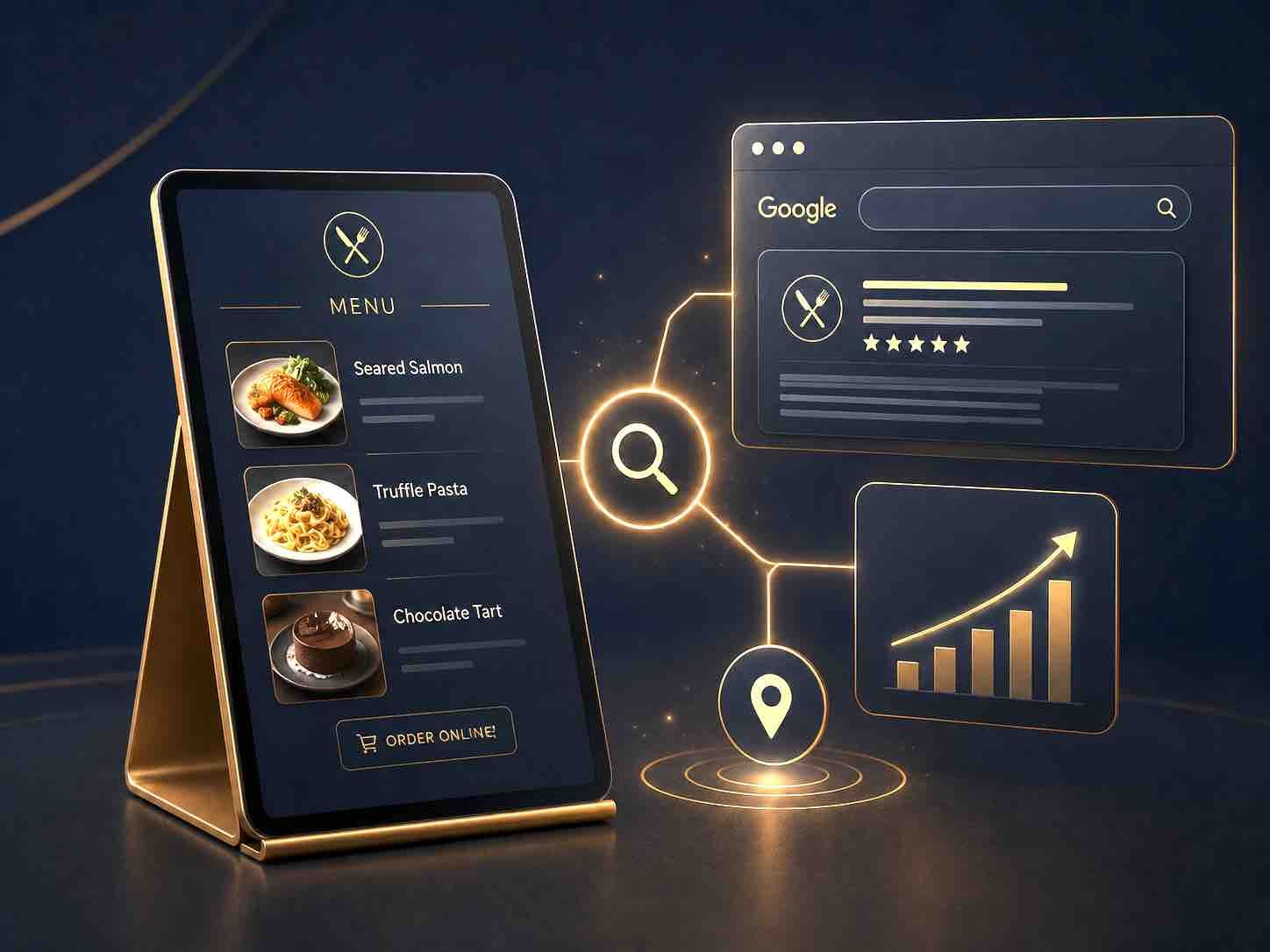
Because your menu is online, it improves your online presence and supports your SEO by giving your business a clear digital page with structured information.
WHAT YOUR DIGITAL MENU INCLUDES
Your Menu Scan page can include:
- Mobile-friendly digital menu
- Branded QR code
- Contact links (WhatsApp / phone / email)
- Location link (Google Maps)
- Social media pages
- Review link
- Shareable menu link
WHY BUSINESSES USE MENU SCAN
Menu Scan improves how customers interact with your business.
It allows customers to:
- Share your menu with others
- Return to your menu anytime
- Leave a review easily
- Contact your business instantly
ONLINE PRESENCE & SEO BENEFIT
Because your menu is hosted online, it creates a structured digital page for your business.
This helps improve your:
- Online visibility
- Search presence
- Customer discoverability
- Brand credibility
Your menu becomes part of your digital footprint.
ONE SIMPLE EXPERIENCE
One QR code. One digital menu. Everything your customer needs.
Scan. Browse. Order. Share.
Ready to Try it Out?
Frequently Asked Questions
1. What is a QR code menu?
A QR code menu is a digital version of your PRINTED menu that customers open by scanning a code with their phone.
2. Do customers need an app?
No. Customers do not need to download an app. The menu opens directly in their phone browser when they scan your QR code.
3. Can I update my menu?

Yes! but we have to do it for you.. You can update your menu anytime, including items, prices or specials, without reprinting your QR code.
4. Can customers order from the menu?
Yes. Your digital menu can include WhatsApp, phone or email contact options so customers can place orders or make enquiries directly.
5. Can customers leave reviews?
Yes. You can add a review link so customers can quickly leave feedback after visiting your business.
6. Does it work internationally?

Yes. Menu Scan works worldwide and can be used by both local and international customers.
